How fast will it go? Can it get me over her quickly?
How long is it supposed to take for a 6.5 TB backup to happen? That's the core of this post. Every thing I could find said that it shouldn't take nearly as long as it was. Particularly since originally it took ~23 hours to run a full backup. Which seemed....excessive.
When I started, I assumed that the hold up was due to the tape drives max write speed, since the hardware was from 2012-2015, and the link was _only_ 8GB/s to the server. So I started testing it with guidance from this post on Bacula's site. The results were a little surprising.
root@bacula:/home/user# /sbin/btape -v TheGryphon-Dev01
Tape block granularity is 1024 bytes.
btape: butil.c:297-0 Using device: "TheGryphon-Dev01" for writing.
btape: btape.c:477-0 open device "TheGryphon-Dev01" (/dev/nst0): OK

...

*speed
btape: btape.c:1060-0 Test with zero data, should give the maximum throughput.
btape: btape.c:909-0 Begin writing 3 files of 1.073 GB with raw blocks of 64512 bytes.
++++++++++++++++++++++++++++++++++
btape: btape.c:611-0 Wrote 1 EOF to "TheGryphon-Dev01" (/dev/nst0)
btape: btape.c:408-0 Volume bytes=1.073 GB. Write rate = 178.9 MB/s
+++++++++++++++++++++++++++++++++
btape: btape.c:611-0 Wrote 1 EOF to "TheGryphon-Dev01" (/dev/nst0)
btape: btape.c:408-0 Volume bytes=1.073 GB. Write rate = 214.7 MB/s
+++++++++++++++++++++++++++++++++
btape: btape.c:611-0 Wrote 1 EOF to "TheGryphon-Dev01" (/dev/nst0)
btape: btape.c:408-0 Volume bytes=1.073 GB. Write rate = 214.7 MB/s
btape: btape.c:382-0 Total Volume bytes=3.221 GB. Total Write rate = 201.3 MB/s

...
Wait? What? The tape drive can write at 178 MB/s? 6.5TB should be written in like 10 hours then, why is it taking 23-27 hours to write that? My next though was that it was a network constraint, since it _obviously_ wasn't the tape drive.
My thoughts on the constraint was that the connection between my NAS server, and this VM was being slow, either due to the NFS protocol i was using, or because the network was capping out at less then 178MB/s. This bothered me because the hardware connection between the two is a 10GbE DAC link, and they are on the same subnet, so I shouldn't have to route the packets. That link should be able to handle this transfer, and more with relative ease.
So I googled how to test that, and originally came up with doing an iperf3 test. So I set that up with the tape server and my NAS.
joe@bacula:~$ iperf3 -c nas.server -t 60
Connecting to host nas.server, port 5201
[  5] local bacula port 34106 connected to nas.server port 5201
[ ID] Interval           Transfer     Bitrate         Retr  Cwnd
[  5]   0.00-1.00   sec   541 MBytes  4.53 Gbits/sec  8692   1.06 MBytes

...

[  5]  59.00-60.00  sec   429 MBytes  3.59 Gbits/sec  9494    192 KBytes
- - - - - - - - - - - - - - - - - - - - - - - - -
[ ID] Interval           Transfer     Bitrate         Retr
[  5]   0.00-60.00  sec  27.6 GBytes  3.96 Gbits/sec  543118            sender
[  5]   0.00-60.00  sec  27.6 GBytes  3.96 Gbits/sec                  receiver

iperf Done.
joe@bacula:~$
Wait....so it's not the network? could it be the protocol? I realize that protocol could be causing over head, so it might be slower, could it be cause _that_ much overhead?
So we start looking into NFS perf tools, and find nfsstat, maybe it will tell me something.....
joe@bacula:~$ sudo nfsiostat

nas-server:/mnt/Pool-18Tb/Shared mounted on /mnt/shared:

           ops/s       rpc bklog
           0.004           0.000

read:              ops/s            kB/s           kB/op         retrans    avg RTT (ms)    avg exe (ms)  avg queue (ms)          errors
                   0.000           0.000           0.000        0 (0.0%)           0.000           0.000           0.000        0 (0.0%)
write:             ops/s            kB/s           kB/op         retrans    avg RTT (ms)    avg exe (ms)  avg queue (ms)          errors
                   0.000           0.000           0.000        0 (0.0%)           0.000           0.000           0.000        0 (0.0%)
That's not really helpful there tool, you're telling me that there's no reason for a slow down of the iperf test....So why does it take 23+ hours?
[ Blog is messy from this point on, partially because I'm rushing, and partially because its more what I did, and less whats wrong]
Well, maybe its something about the VM having to grab the files, "transfer" them to itself(fd to sd controller). So lets try to remove that.
Lets setup a VM on the NAS server to send the files, instead of having the Bacula server retrieve them. Scratch that, is there a docker file that I can use, since I just want the _fd_ part of the bacula stack?
A google search leads me to fametec's Github, which does happen to contain a bacula-client image (fametec/bacula-client). Now I just have to, Get the container running on TrueNas, register the client with bacula, setup a backup, ...., profit!
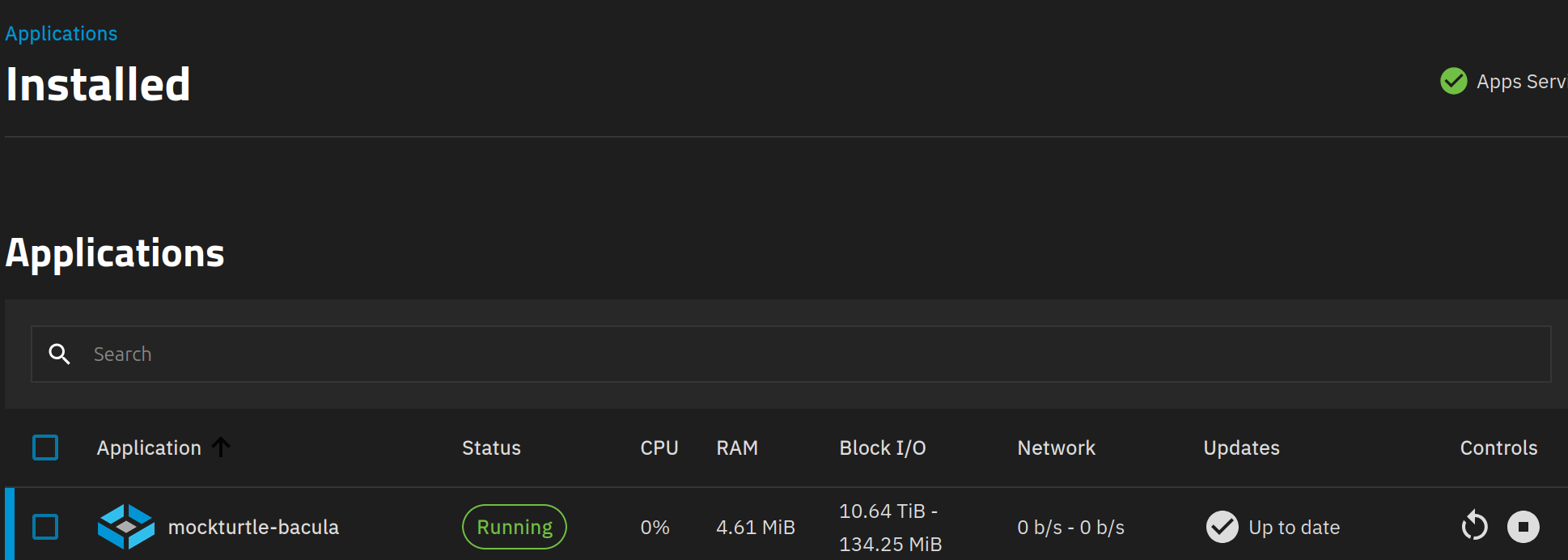
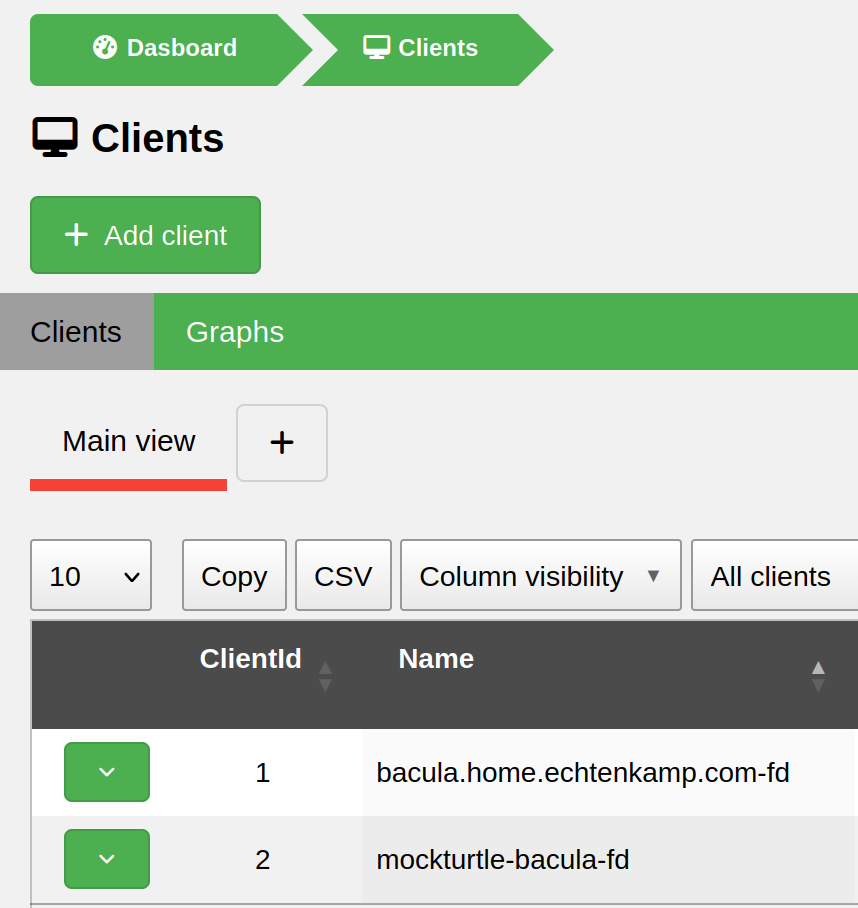
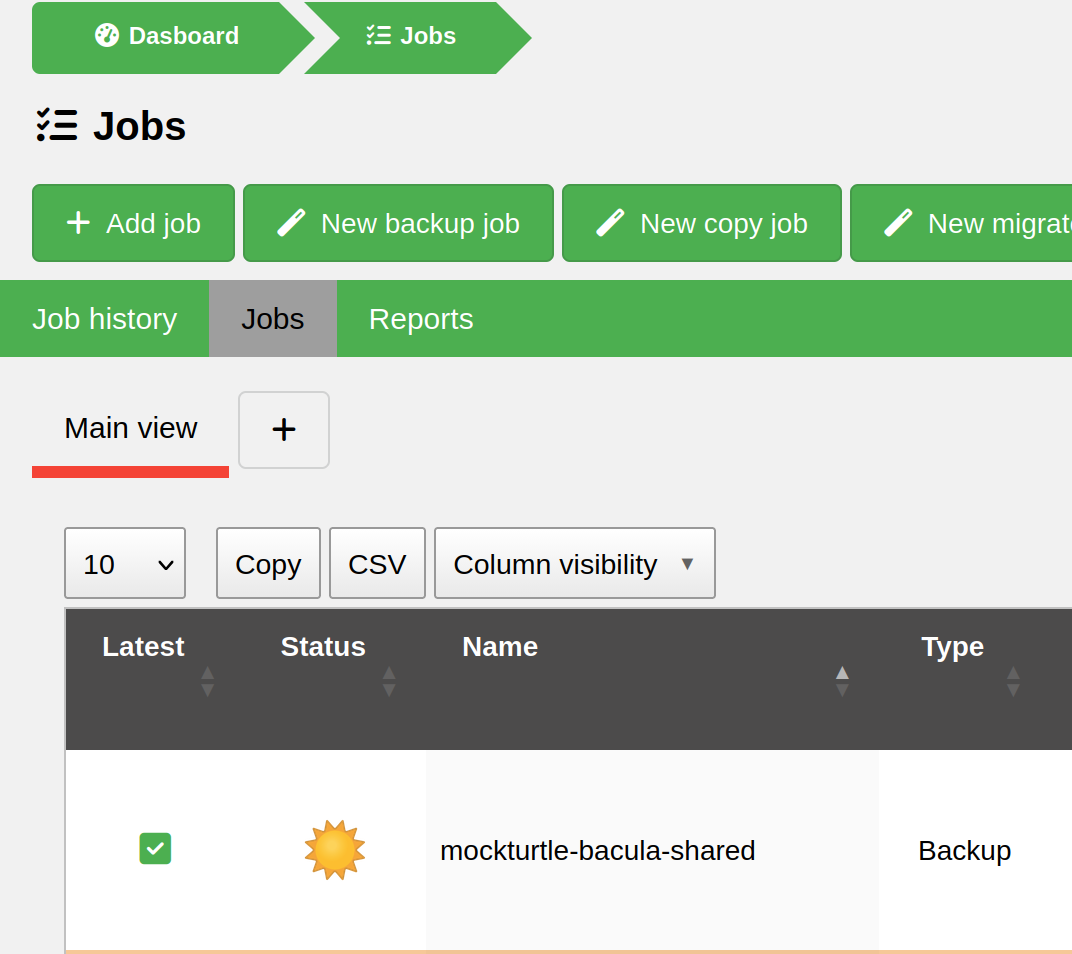
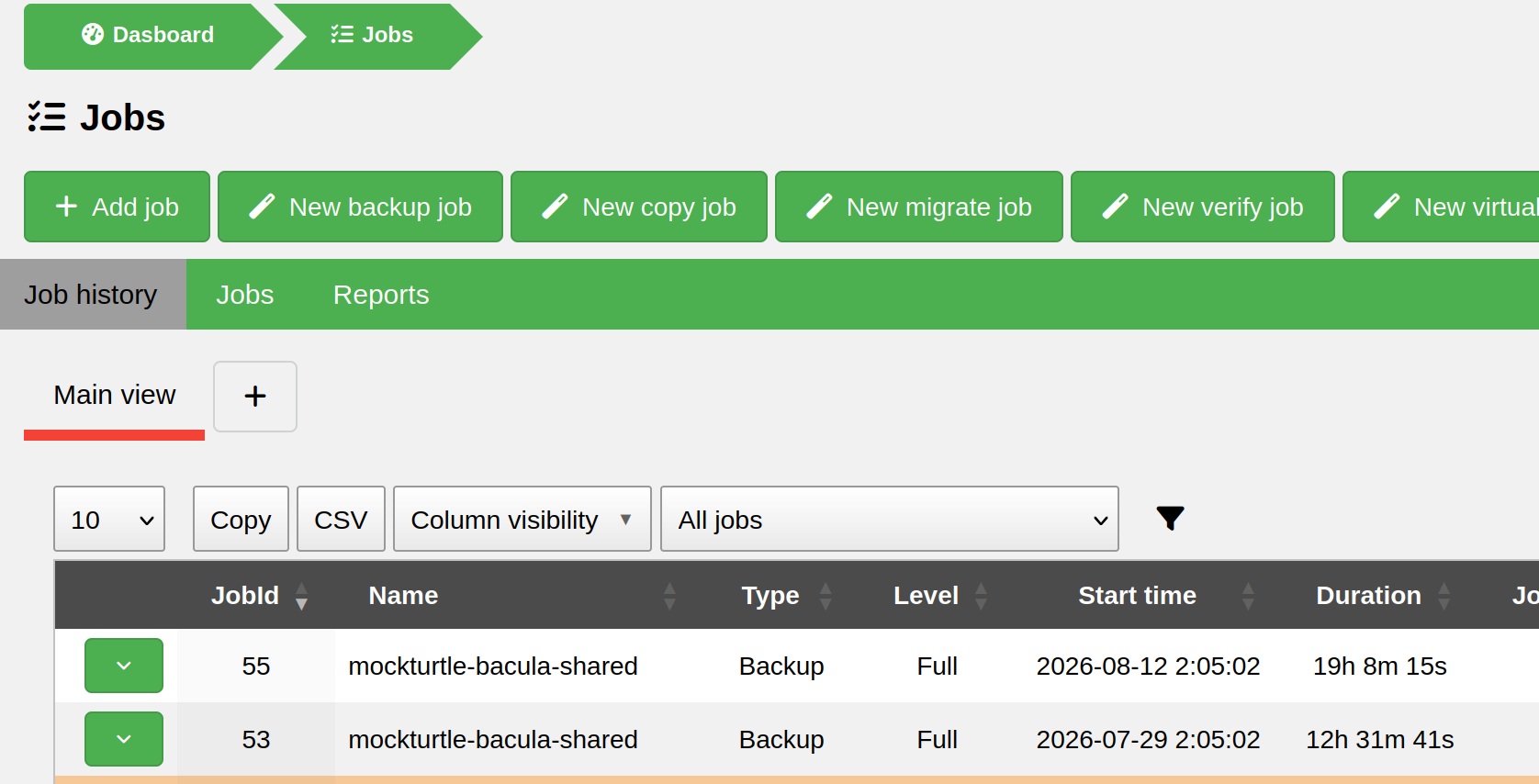
Well.....that worked surprisingly well, with an exception for the last round*. Down from 23+ hours to 12ish, that's a much better turnaround.
I still think that I can get the time down farther, but for now I'm content with a 50% (?) speed up in the backup, as that means that usually by mid-afternoon the backup is done and I can check the results.
Hopefully in the next couple of weeks I can make an test some tweaks to see if i can speed up the process even more.
*The last backup ran into a faulty tape, and so it sat for extra time waiting for my input on what to do about the faulty tape. I can't blame that on perf of the device, since it was waiting on me.