ACME or the Plight of the Coyote
Automatic Certificate Management Environment (ACME), or, set it and forget it SSL certificates. It sounds really nice, like REAL nice for anyone that has had to work with certificates in a production environment. Lately though, I feel more and more like Wile E. Coyote when using the environment.
Before we get into that, we should start with how certificates generally work, since that in and of itself is convoluted.
In short, think of a round table with someone you trust to your right. You trust the person to your right, and they trust the person to their right, and that person trust the person to their right, going around the table until eventually it comes back to your left. Since you trust the man on your right, and the chain around the table is unbroken, then you can trust the man on your left. That's generally how certificates work. Microsoft, and other OS providers, embed the man on your right into the base system, and the people around the table are other companies that have either paid, or earned the trust of the people on their left. Voila, the whole internet is "safe".
Now, when you go and get a certificate, you usually have to do these steps:
- Create a request for the certificate
- Submit the request with a company
- Pay a fee to process the request
- Prove that you own/manage the domain that your asking for a certificate for
- Receive signed certificate
- Install the new certificate, and the "chain" of certificates (from the other people around the table) onto/into your software.
- Validate that it worked
ACME, automates a lot of this, pretty much everything except the fee, and in non-standard applications, you'll need to install the certificate into your application.
The problem is that, in my experience, ACME very rarely works "out of the box", and I end up having to debug completely different issues, that if I wouldn't have had if I didn't use it. Which has lead me to feeling more and more like Wile E. Coyote.
To better elaborate what I mean, let me walk you through a recent deployment of ForgeJo that I had to do. There are a couple things to note when I relate this tale as my environment is non-standard.
1) I'm migrating a K8S ForgeJo MariaDB backed instance to a Proxmox LXC Container, including migrating the MariaDB to a new instance as well.
2) I'm not using the default ACME endpoint of LetsEncrypt because this is a private internal site, that LetsEncrypt cannot reach, therefore I cannot use the standard procedure unless I want a domain level cert, which I don't.
Lets start at the certificate provider, since that's where the certificates are processed and signed then returned. I have a FreeIPA setup to do authorization and authentication. Due to its domain controller workload, its a natural choice to have it manage the SSL certs for the local computers, and manage them in the background. So how do we set that up? Luckily they have a page for that:
Unlucky, its mostly the high level design and not how to setup and manage it. It does give you the ability to turn the service on and off:
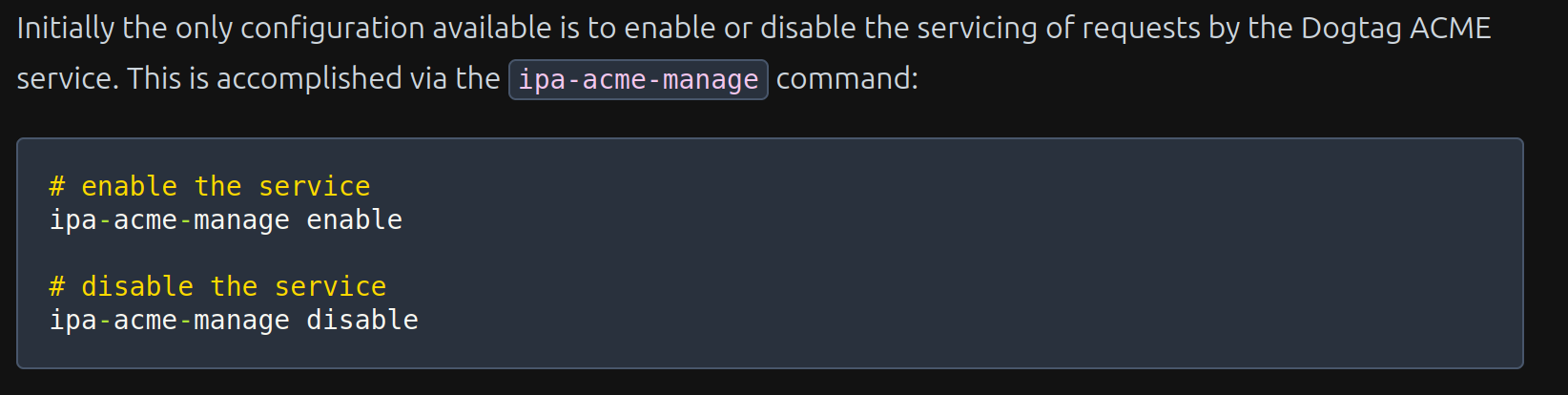
Cool, so I can turn it on, and turn it off, not sure I can do anything else....which will be relevant later.
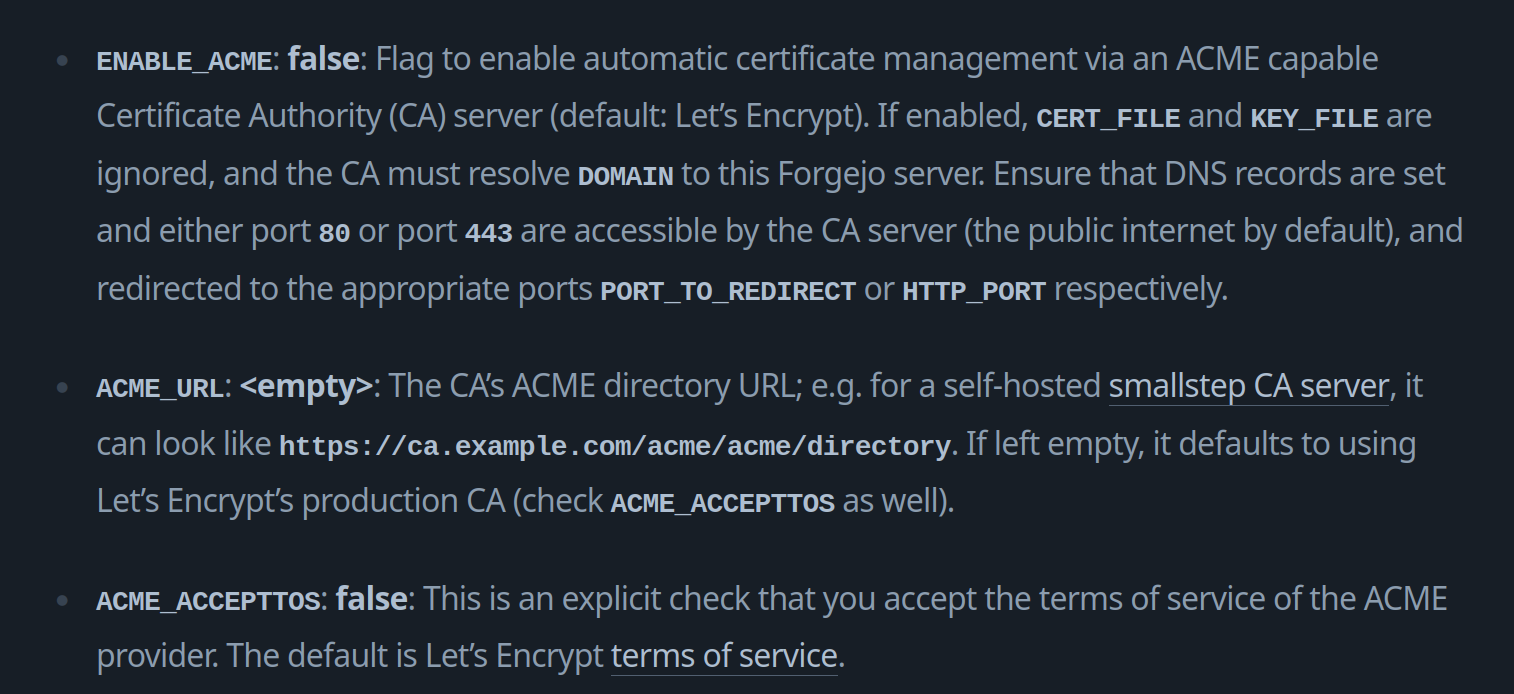
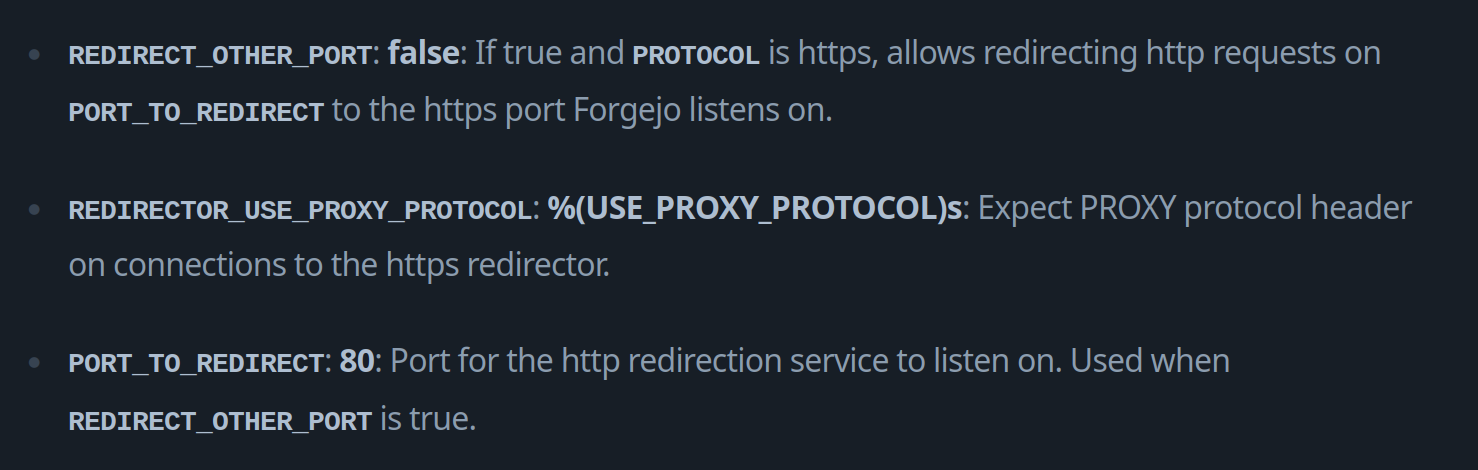
Awesome, so if i fill these values out like so:
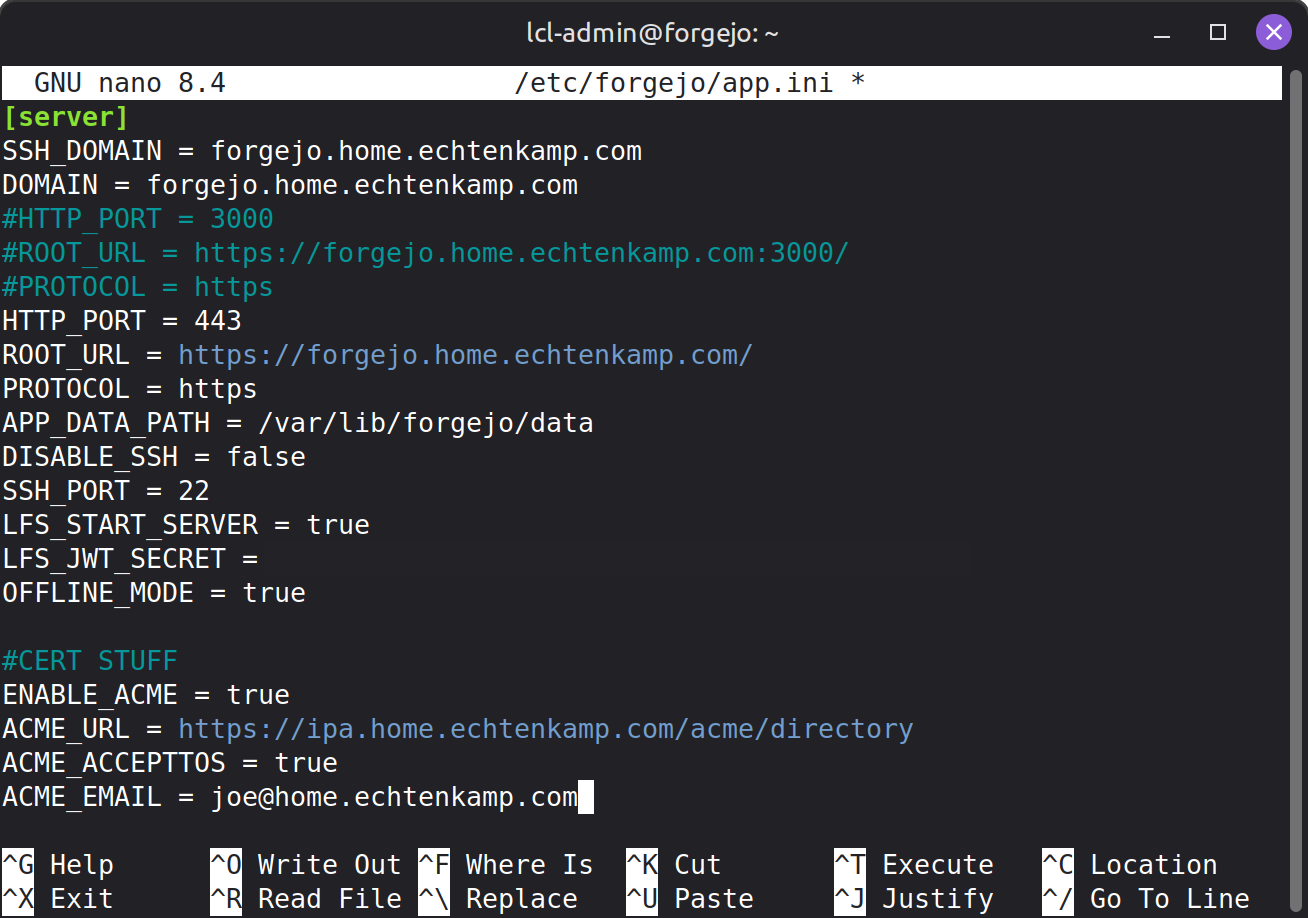
It'll just work right?
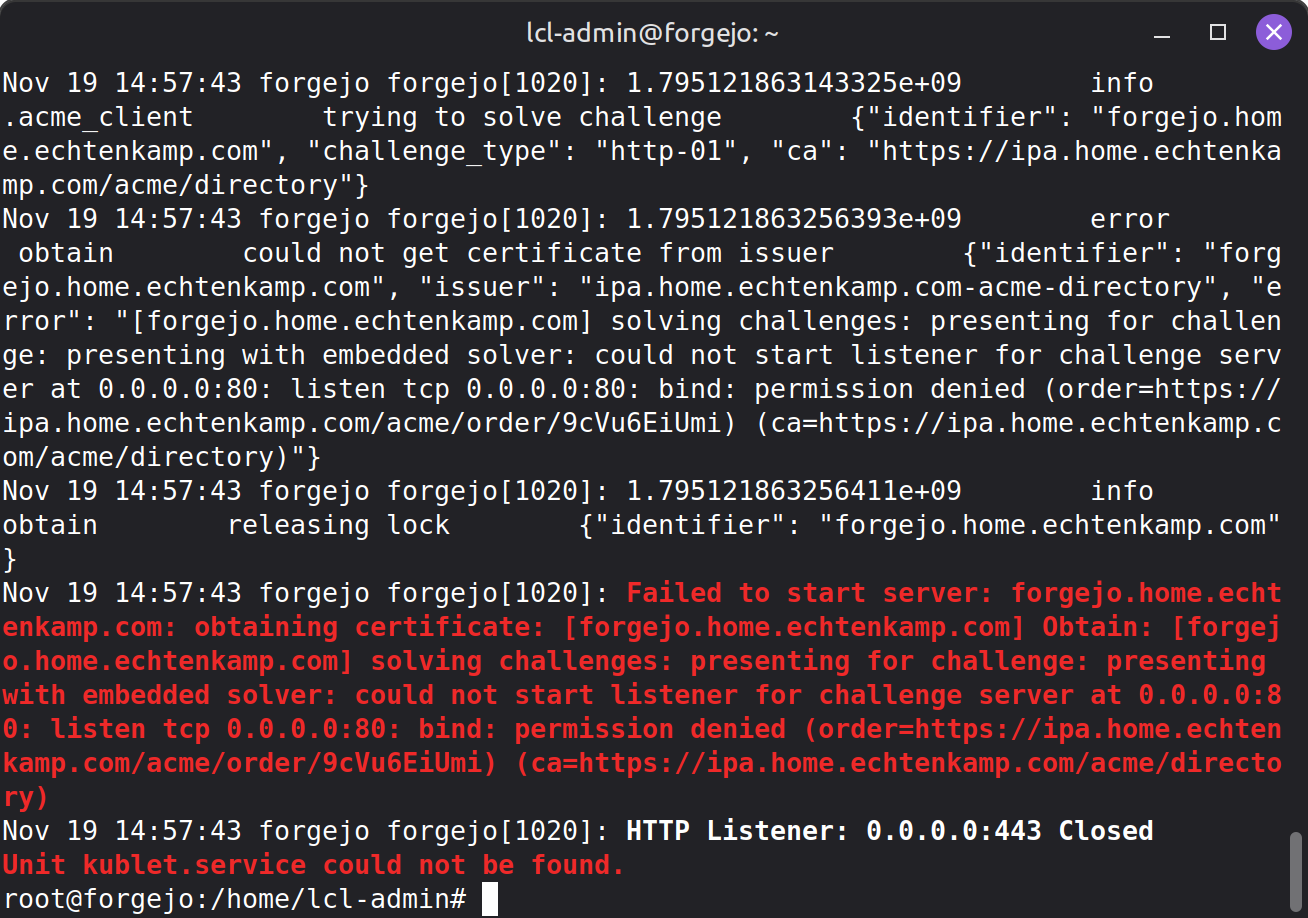

Uhh, what? what do you mean you can't bind to port 80? you're bound to port 443, and both of those ports are privileged ports, so why can you bind to one but not the other?
After much digging, I figured out that the reason that it bound to one port and not the other was just the fact that it hadn't gotten there. It failed to bind to port 80, and in doing so bailed before it tried binding to port 443. Which lead me on another road-runner chase of why it was failing to bind at all. Turns out that the container had defaulted itself to an "unprivileged" container, which makes sense in general, as ForgeJo usually binds to the unprivileged port of 3000. Also turns out that once you build the container, you cant change that setting. So I had a fully setup ForgeJo on a container that in theory couldn't bind to the port I wanted.....that's just great.
Well I started looking into that, turns out that the container can bind to the ports, but I have to give the ForgeJo binary my blessing to do so via a setcap command. Thus ForgeJo could now bind to the ports and its all hunky dory right?
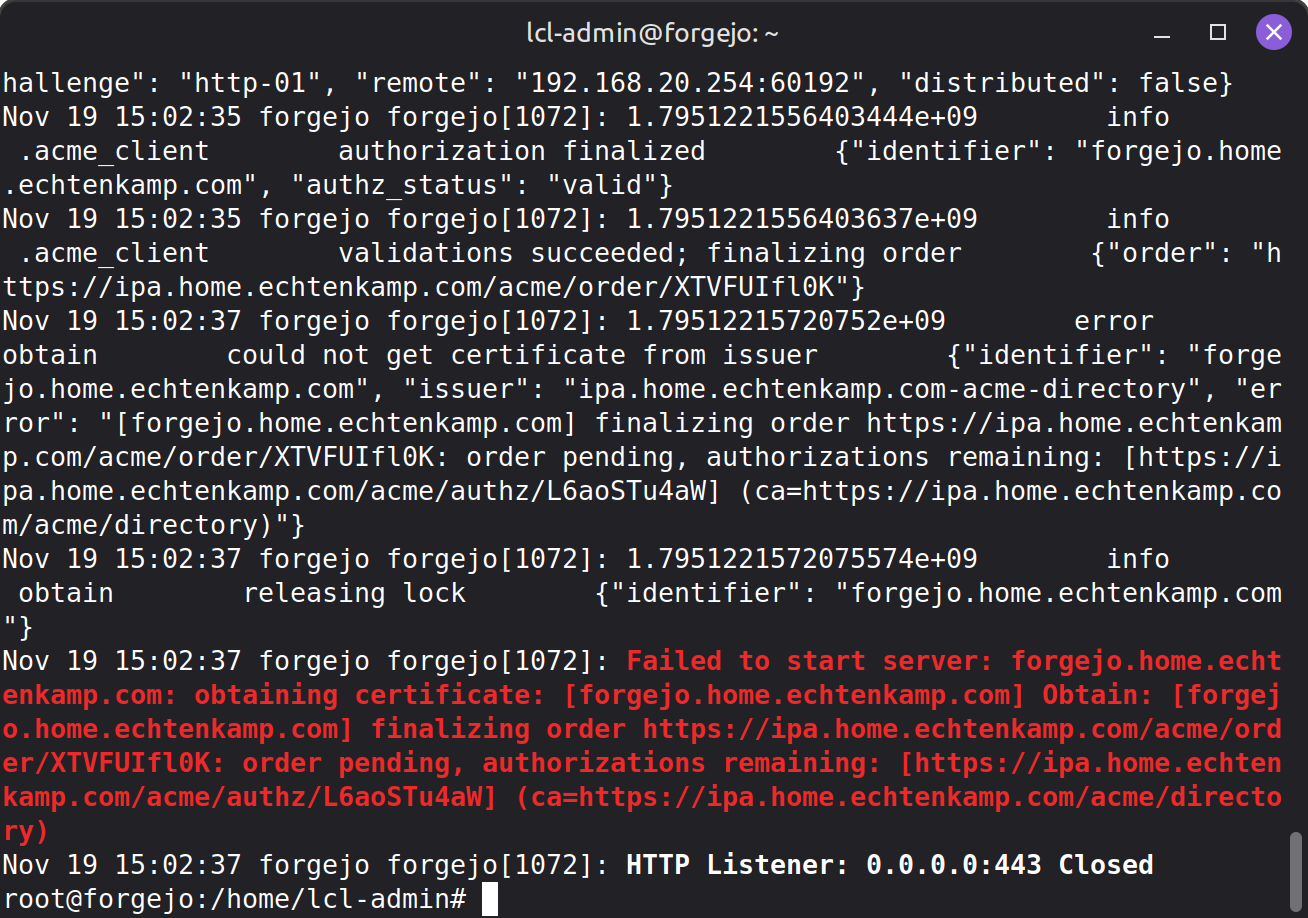

What? What does it mean that its waiting on authorizations? Do I have to go like approve it? or what?
A quick search suggests that the issue is that the Certificate Authority cannot resolve the http-01 challenge, and that's where its failing. So I log into the CA box and test that:
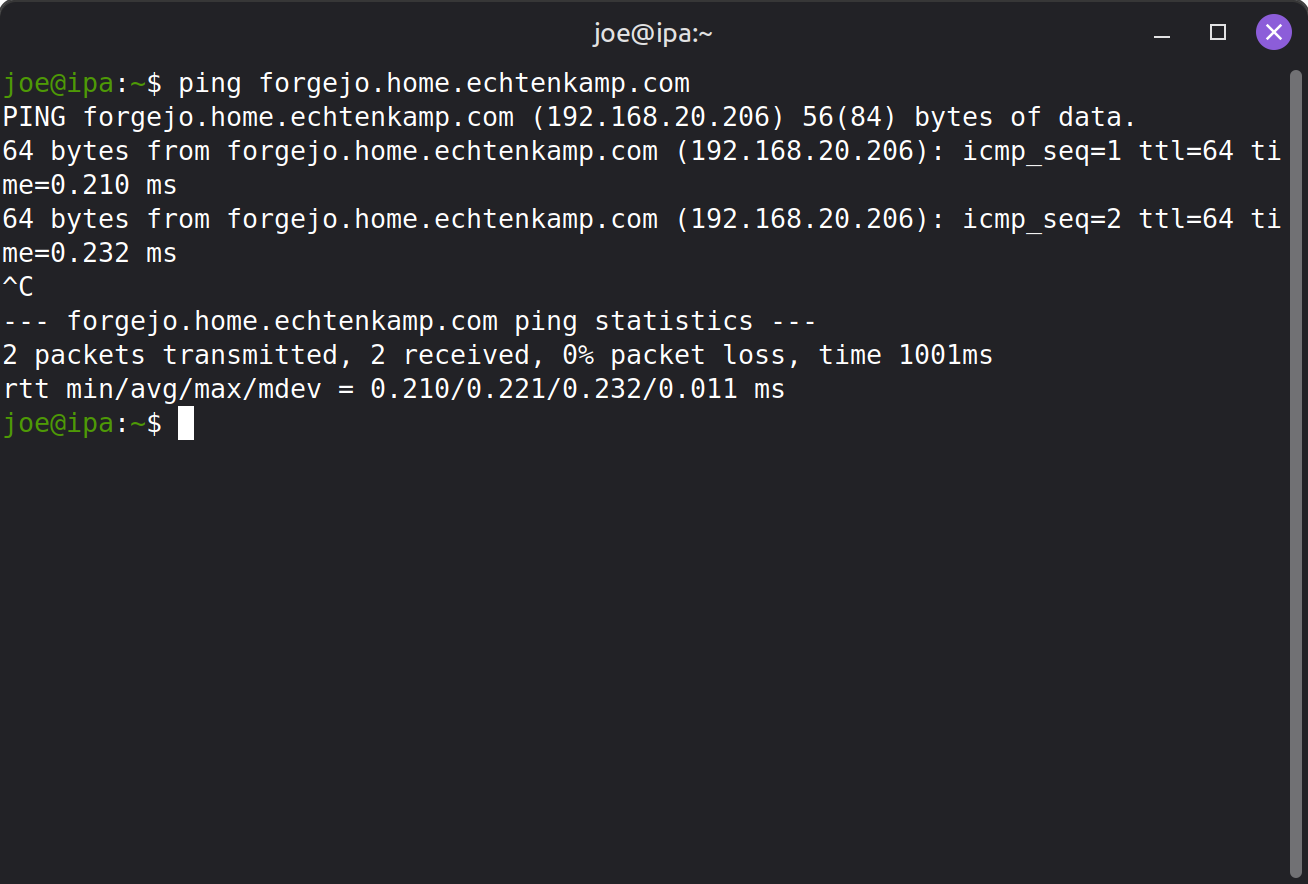
Nope, the CA resolves and can talk to the ForgeJo instance.
Unfortunately, when I tried to dig into it, the CA didn't have a record on the certificate, as its setup to not save such trivial(ephemeral?) certificates, and ForgeJo's logging of that matter, is....lacking. Increasing the logs to try and debug just gave me the same amount of information.
Let's pivot for a second, as LetsEncrypt provides a standalone client that does the same thing, and can validate if maybe I have the CA setup incorrectly.
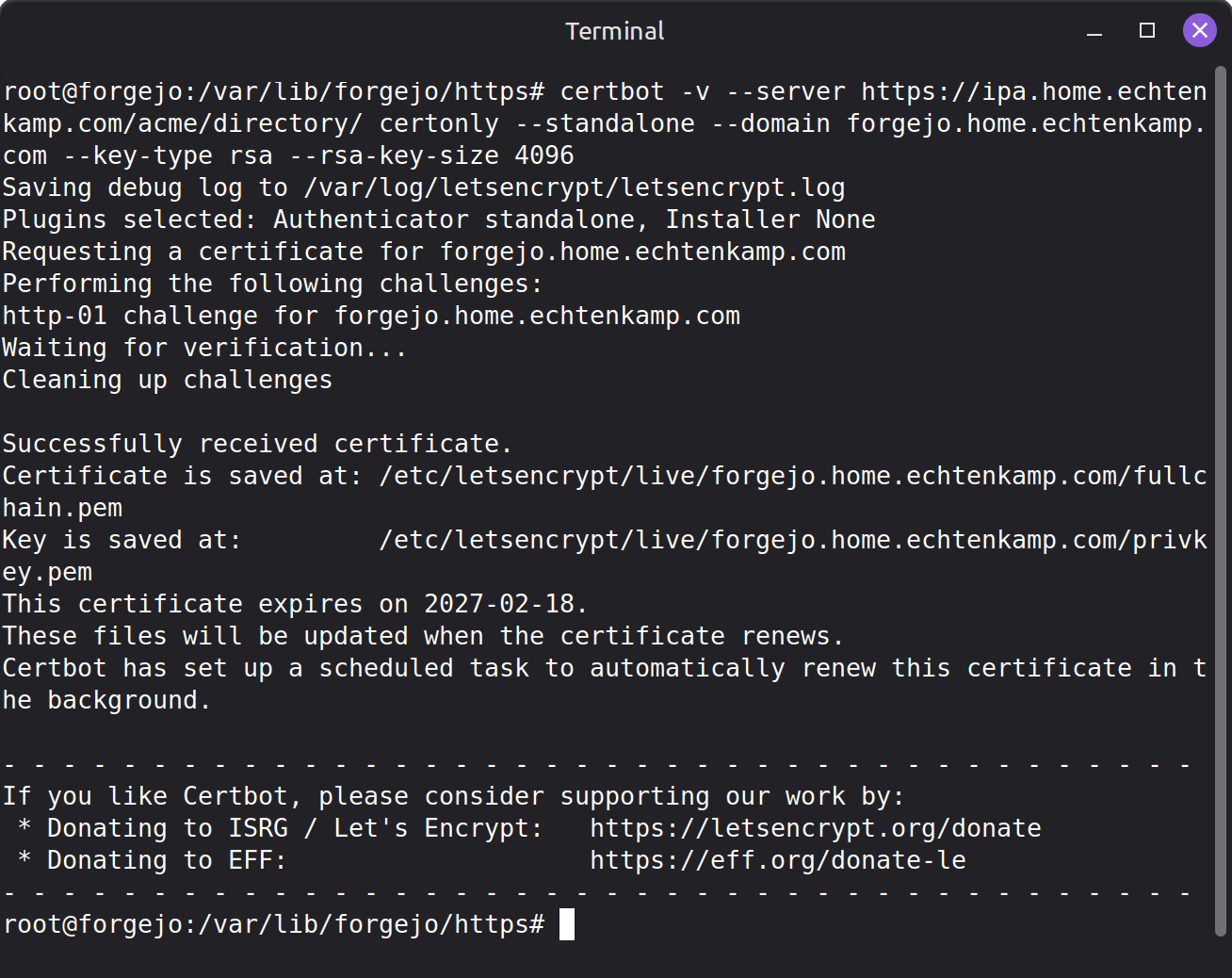
Wait, so Certbot works, but the ForgeJo client doesn't, and ForgeJo doesn't tell me why it doesn't work other then "pending authorizations".
At this point, I dug around a little bit more, and attempted to figure out what's the real issue with no luck. Eventually I decided it wasn't worth my time. So I reconfigured my ForgeJo to just use the certificate that Certbot was able to procure, which works, but is not ideal. Maybe in 3 months when the certificate expires, I'll take another look, for now I'm tired of things figuratively blowing up in my face. Which, I guess, is me signing off.